Service Call
 Managed Print

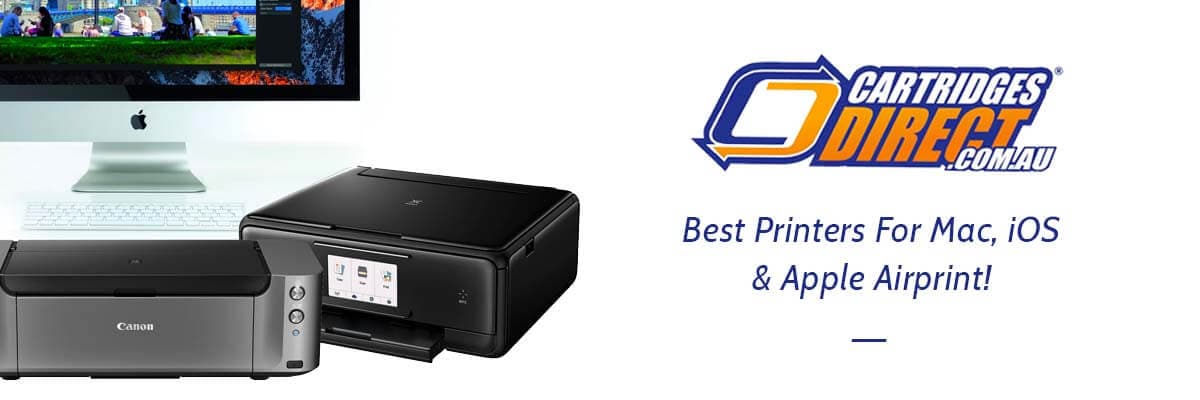
Best Printers For Mac & iOS Users
Mac users often find themselves in their own world with regard to technology. After all, Apple compatibility tends to be a fickle thing, especially when it comes to using third-party connected devices. So, it stands to reason that you might be on the hunt for the best printers for Mac users. I mean, we had to search for them too!
Sadly, Apple hasn't had a hand at making their own printers yet, so Apple Mac and iPhone users alike need to do a little extra research to ensure that the home and office printers they invest in are compatible with their personal Apple devices. But with so many different types of printers compatible with Mac devices, it can be tricky to find one that’s perfectly suited to your personal and professional printing needs alongside, of course, being compatible with Apple AirPrint.
Thankfully, our printing specialists here at CartridgesDirect have browsed through and tested our range of printers to outline all of our best printers for Mac users. Here are some of the best printers with AirPrint and Mac compatibility for all homes and office spaces that live firmly within Apple’s ecosystem.
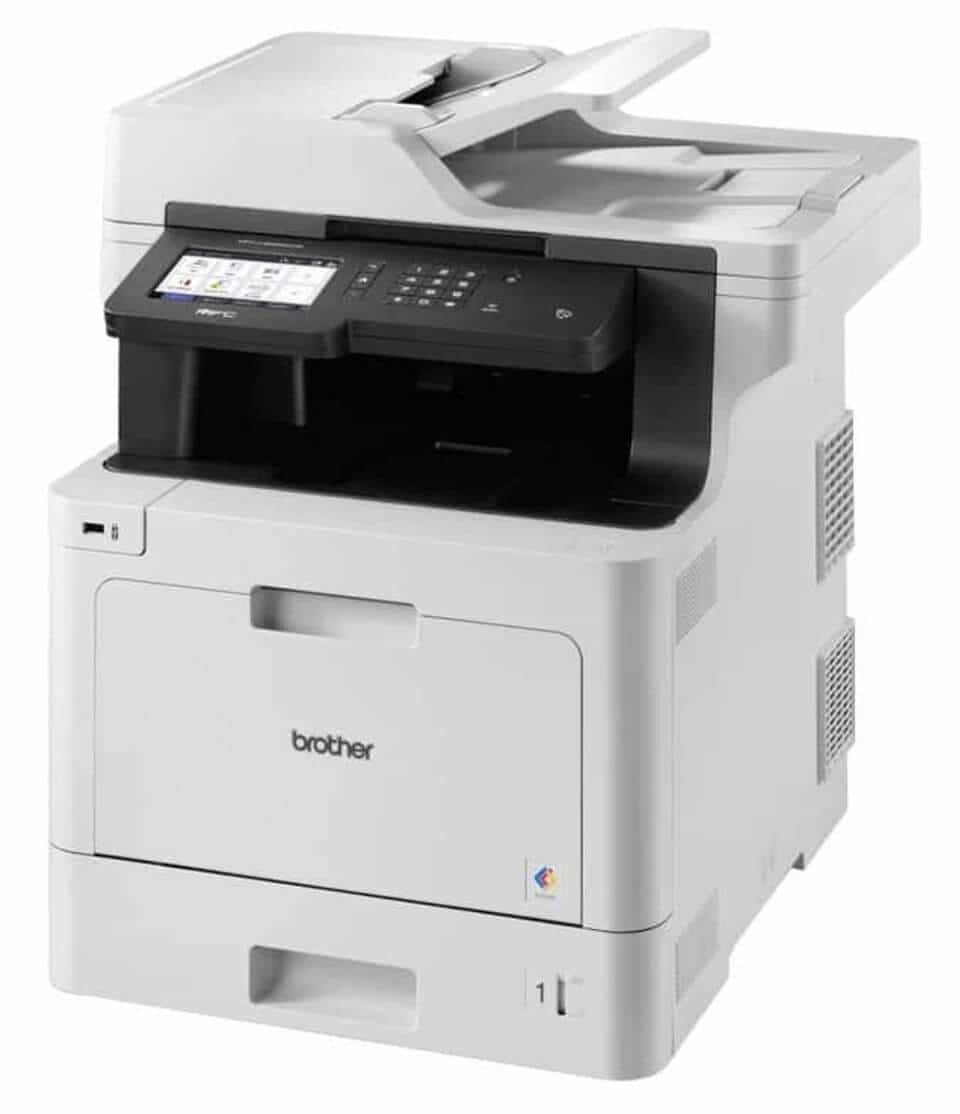
Best Overall Printer for Mac and iOS Users
Brother MFC-L8395CDW
Brand: Brother
Cost: $1,999.00 (+ Free Shipping)
The Brother MFC-L8395CDW (called the MFC-L8390CDW in Europe) is an expandable four-in-one business printer that comes loaded with enough features to satisfy almost any SMB (small to medium-sized business), including AirPrint compatibility. It’s a fast-printing LED device with room for 250 sheets of paper in its main tray and the option to add a second tray. It’s not afraid of a heavy workload and has the kind of security features you need in a shared office.
As the uppermost model in Brother’s line-up, the MFC-L8395CDW has a high specification and all the features you can think of. It can auto-duplex print and auto-duplex scan, send and receive a fax, copy a stack of 50 pages using its ADF and print or scan wirelessly via the Brother Mobile Connect companion app. It has a 3.5-inch colour touchscreen interface and an NFC reader for secure printing by specified cardholders, which could be useful in a shared office. Connections include Gigabit Ethernet, dual-band Wi-Fi and a USB host port.
There’s plenty of room for paper, even without the optional lower paper tray, and a decent amount of toner comes in the box. The setup cartridges are good for 1,400 colour pages and 3,000 mono, but super high yield carts are available that’ll give you up to 4,000 colour pages and a whopping 11,000 mono. The print speed of 31 ppm for simplex pages is pretty fast, and it doesn’t slow down much for duplex printing, which is given as 12 sides per minute.
For both home and office printing needs, Mac and iOS users will be sure to get a lot of work done when using the Brother MFC-L8395CDW.
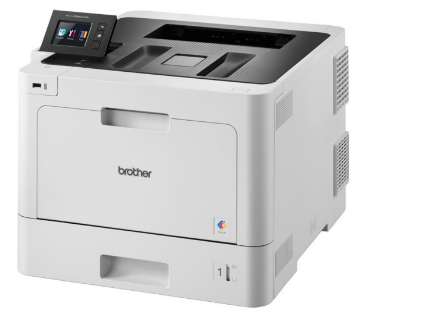
Best Office Printer For Macs
Brother HL-L8360CDW Laser Printer
Brand: Brother
Price: From $699.87 (+ Free Shipping)
It can be easy to feel boxed in by many traditional office printers. After all, their higher stocking capacities across high-yield toner cartridges and multiple paper trays tend to come at the cost of lower print quality. Since the release of Brother’s line of modern office colour printers, however, office printer users have gotten accustomed to drastically higher standards, a boon for Mac and iOS users.
The Brother HL-L8360CDW Laser Printer is a high-capacity colour laser printer with a fair few tricks up its figurative sleeves, the least of which includes precision colour printing. With printing speeds of up to 31 ppm and a paper capacity of up to 2380 sheets with additional paper trays, the Brother HL-L8360CDW is truly a monolith of an office printer and is suitable for a wide range of professional spaces, from law firms that print a lot of monochrome, double-sided documents to creative agencies that may produce highly detailed colour print jobs on a daily basis.
Alongside being scarily high-capacity, the HL-L8360CDW is also super high-yield thanks to its compatibility with Brother’s TN441, TN443, and TN446 Black Toner Cartridges. Page yields for the Brother HL-L8360CDW can range from anywhere between 3000 to 6500 pages depending on which toner cartridges you select. Simply put, investing in the Brother HL-L8360CDW will likely see your company’s printing costs decrease significantly.
If you are working with a range of both Mac and Windows devices in your office space, then you will be happy to hear that the Brother HL-L8360CDW is compatible with all Macs that operate on Mac OS X 10.10.5 and above and all PCs that operate on Windows 7 onwards. Mobile printing is also supported, with full Google Mopria and Apple AirPrint compatibility.
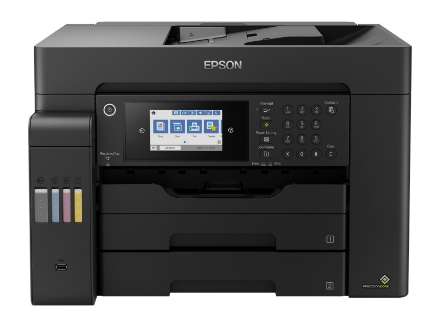
Best A3 Printer With Apple AirPrint
Epson EcoTank Pro ET-16600
Brand: Epson
Price: From $1,798.04 (+ Free Shipping)
Epson printer drivers have always been renowned for their compatibility with Mac computers in particular, which is precisely why a lot of long-time Mac users already prefer Epson printers. Although there’s no denying that other printer manufacturers have been catching up and perfecting their own drivers, applications, and internal software to ensure full compatibility with all computers and personal devices, maintaining a soft spot for Epson is also more than reasonable. We may very well have a soft spot for Epson ourselves.
That’s why we feel this list would be incomplete without at least mentioning the Epson EcoTank Pro ET-16600, a powerhouse of an ink tank printer that also happens to boast easy A3 printing just like the Canon Pixma iP8760. As the ET-16600’s ADF is also fitted for A3 use, ET-16600 printer users can actually enjoy duplex printing on even A3-sized print jobs.
Also featured within our shortlist of the best continuous ink printers, the ET-16600’s DURABrite ink and colour printing technology, combined with its duplex capabilities, makes this particular EcoTank an ideal printer model for poster printing and other large-format colour printing applications. In essence, if you’re an iOS user or a Mac user working in a creative field or in events management, the ET-16600 is likely to be a genuine asset to your office space.
Whilst the Epson ET-16600 is comparable to the Canon Pixma iP8760 with regards to print quality, one major benefit to opting for the ink tank over the inkjet is naturally going to be the super high page yields that printer users can enjoy with this aptly named EcoTank. Epson’s T542 DURABrite EcoTank Ink Bottles allow ET-16600 printer users to experience page yields of around 4500 sheets, making the ET-16600 a superb investment for any homes, studios, or office spaces with medium to high printing needs.
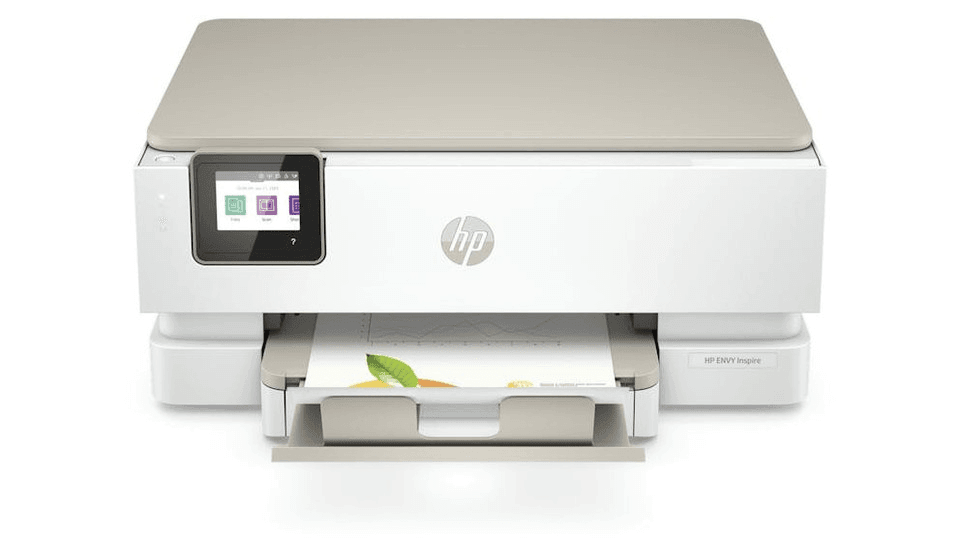
Best Inkjet Printer for Mac and iOS Users
HP Envy Inspire 7220E All-in-One Ap Portobello Printer
The HP Envy Inspire 7200e (US) / Inspire 7220e (UK) is a superb home printer for Mac and MacBook users. That's thanks to its wireless connectivity options, the ability to work with AirPrint, and some useful features like auto-duplex and a sharp colour touchscreen.
In testing, the printer handled standard document printing with ease. Monochrome pages, even in small fonts, were crisp and dark, without over-inking. Photo print quality was equally great. Better still, full-colour printouts looked best on glossy photo paper.
Our tests showed the Mac-compatible printer also made decent digital copies. Unlike the HP Envy Inspire 7900e, there's no automatic document feed (ADF) and no dual scan mode. However, we did find there was very little loss of detail. The scan and print resolution of 1,200 x 1,200 dpi is respectable, but we did notice some variation in the colour of each photocopy.
Factored in, there's still a lot to like about the HP Envy Inspire 7200e / 7220e. While Mac computers (iMac, MacBook, Mac Mini, Mac Studio, Mac Pro) can print wirelessly to most printers, the fact that this printer has AirPrint means that the compatibility between Apple devices and the printer is enhanced. Apple devices can print without needing extra drivers and have a wide range of printing options natively.
Print Seamlessly with Apple-Compatible Printers from CartridgesDirect
Finding the best printer for your Mac or iOS devices doesn’t have to be complicated. Whether you’re running a busy office, managing a creative studio, or printing at home, the key is choosing a printer that offers seamless Apple compatibility, reliable performance, and the right balance of features for your needs. From high-capacity business laser printers to cost-effective EcoTank models and versatile home inkjets, there’s no shortage of excellent options designed to work effortlessly within Apple’s ecosystem.
Ready to upgrade your printing setup? Explore the full range of Mac iOS-compatible printers at CartridgesDirect, or dive deeper into our expert printer reviews to find your perfect match. If you’d prefer personalised advice, then feel free to get in touch with our friendly printing specialists today. We’ll help you choose the right printer, cartridges, and supplies to keep your Apple devices printing smoothly.
For more incredible printer reviews and buyers guides, check out some of our editors most recent articles below