Service Call
 Managed Print

How to Find the Right Printer Cartridge for Your Printer (Australia Guide)
?️ Quick Troubleshooting Checklist
If your printer isn't recognising your new cartridge, try these steps before calling support:
- The "Double Check": Verify the model number on the box matches the old cartridge exactly.
- Remove All Packaging: Ensure all orange plastic clips and the yellow pull-tab (the protective tape) are completely removed.
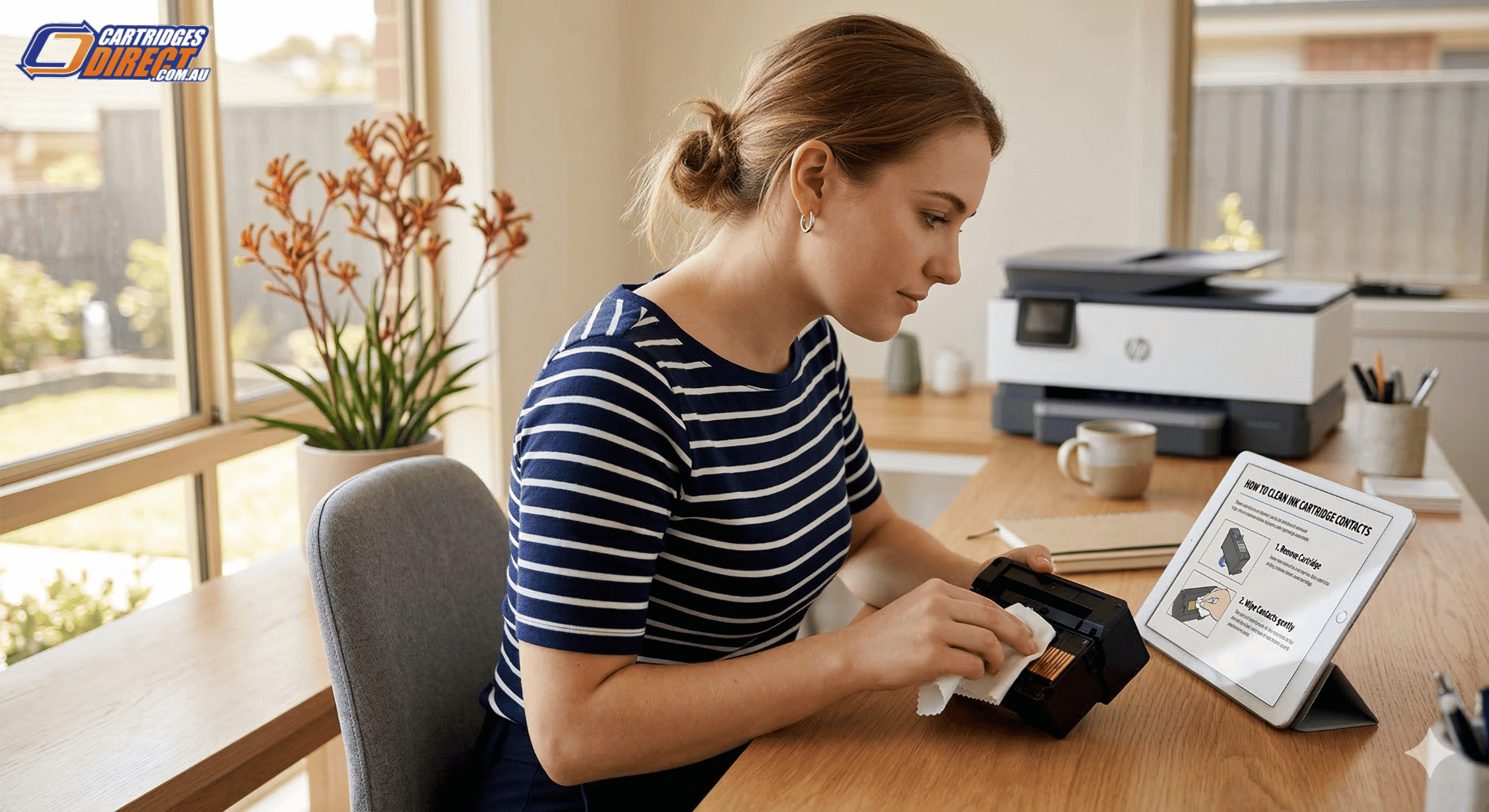
- Clean the Gold Chips: Gently wipe the copper contacts on the cartridge with a lint-free cloth to remove fingerprints or static.
- The Hard Reset: Power down the printer, unplug it from the wall for 60 seconds, and restart. This usually clears "non-genuine" or "low ink" errors.
How to Find the Right Printer Cartridge for Your Printer (Australia Guide)
Finding the right ink or toner for your printer often feels more complicated than it needs to be. With hundreds of models on the market and a confusing array of numbers, it’s easy to feel overwhelmed. However, using the wrong cartridge isn't just a minor inconvenience—it can lead to poor print quality, "cartridge not recognised" errors, or in rare cases, damage to your machine.
Whether you are running a busy office in Sydney or a home studio in Melbourne, this guide will show you exactly how to perform a printer cartridge lookup in Australia to ensure you get the perfect match every time.
Why Getting the Right Match Matters
Before we dive into the "how," it is important to understand the "why." Printers are precision instruments. The viscosity of the ink and the melting point of the toner are specifically formulated for your machine’s print head or fuser.
Using the correct printer cartridges ensures:
- Vibrant, Accurate Colours: Essential for branding and professional documents.
- Machine Longevity: Prevents clogs and leaks that can void your warranty.
- Cost Efficiency: Correct cartridges provide the expected page yield, saving you from frequent, unexpected replacements.
3 Simple Ways to Find Your Cartridge Number
You don't need to be a tech expert to find the correct printer cartridge. Use one of these three reliable methods.
1. Check the Physical Cartridge
The most foolproof method is to look at what is already inside your printer.
- Open the front or top cover of your printer while it is turned on.
- Wait for the cartridge carriage to move to the centre.
- Look for a large printed number or code on the label (e.g., "HP 65", "Canon 645", or "Brother TN-2530").
2. Use the Printer Display or Software
Most modern inkjet printers and laser printers have a "Supplies" or "Maintenance" menu on their digital display. Navigating here will usually show you the estimated ink levels along with the specific cartridge model numbers required. If your printer doesn't have a screen, check the printer software (like the HP Smart App or Epson Connect) on your computer or smartphone.
3. The "Cartridge Lookup" Method
If you’ve already thrown away your old cartridges, you can search by your printer's model name. The model name is usually found on the front or top of the machine (e.g., Epson Expression Home XP-4100). Once you have this, you can use a printer cartridge lookup tool online to see a full list of compatible options.
Understanding Your Options: Genuine vs. Compatible
Once you know which number you need, you have to decide what kind of cartridge to buy. This is a common crossroad for Australian businesses looking to manage overheads.
HP Cartridges and Other Genuine Brands (OEM)
Genuine cartridges are made by the original manufacturer (like HP, Canon, or Brother).
- Pros: Guaranteed compatibility, superior photo quality, and manufacturer support.
- Cons: Generally the most expensive option.
Compatible (Generic) Cartridges
These are new cartridges made by third-party manufacturers to fit your specific printer.
- Pros: Significantly lower cost—often 50% to 70% cheaper than genuine.
- Cons: Quality can vary between suppliers. Always buy from a reputable Australian retailer to ensure the chips are up to date with the latest firmware.
Buying Tip: If you are printing internal office memos or school assignments, high-quality compatibles are an excellent cost-saving measure. For archival photos or official client presentations, genuine cartridges are often worth the extra investment.
Choosing the Right Capacity: Standard vs. XL High Yield
Many Australians wonder, "what ink does my printer use when I see two different sizes for the same number?" Most popular cartridges come in "Standard" and "High Yield" (often marked as XL or XXL).
| Feature | Standard Yield | High Yield (XL) |
|---|---|---|
| Upfront Cost | Lower | Higher |
| Ink Volume | Less | 2x to 3x more |
| Cost Per Page | Higher | Significantly Lower |
| Best For | Occasional home use | Small businesses & students |
If you print more than once a week, XL cartridges are almost always the better value. They require fewer replacements and reduce the environmental impact by using less packaging over time.
Common Mistakes to Avoid
- Mixing Regional Cartridges: Printers bought overseas (e.g., in the US or Europe) often require different cartridge numbers than the same model sold in Australia. Always check that the cartridge is intended for the Australian market.
- Ignoring the "Starter" Cartridge: New printers come with "setup" or "starter" cartridges. These usually have much less ink than a standard replacement, so don't be surprised if they run out quickly.
- Forcing a Fit: If a cartridge doesn't click into place easily, do not force it. You likely have the wrong model or haven't removed the protective orange plastic clip/tape.
Compatibility Guide by Major Brand
To make your search easier, here are the direct paths to the most common cartridge families in Australia:
- Brother Cartridges: Known for their "TN" (Toner) and "LC" (Ink) series. Brother printers are popular in Australian offices for their reliability.
- Canon Cartridges: Look for "PGI" or "CLI" codes for inkjets, and "CART" or "CRG" for laser models.
- Epson Cartridges: Epson often uses "picture" themes on their packaging (like the Pineapple or Starfish series) alongside numerical codes like 212XL or 273.
Eco-Friendly Printing in Australia
Don't let your old cartridges end up in a landfill. Australia has excellent recycling programs like Cartridges 4 Planet Ark. Most major retailers like Australia Post have collection bins where you can drop off your used genuine and compatible cartridges for free.
Conclusion
Finding the right cartridge doesn't have to be a guessing game. By identifying your printer model, checking the physical cartridge, and deciding between Standard or XL capacities, you can print with confidence. Choosing the right supplier ensures your printer stays healthy and your costs stay low.