Service Call
 Managed Print

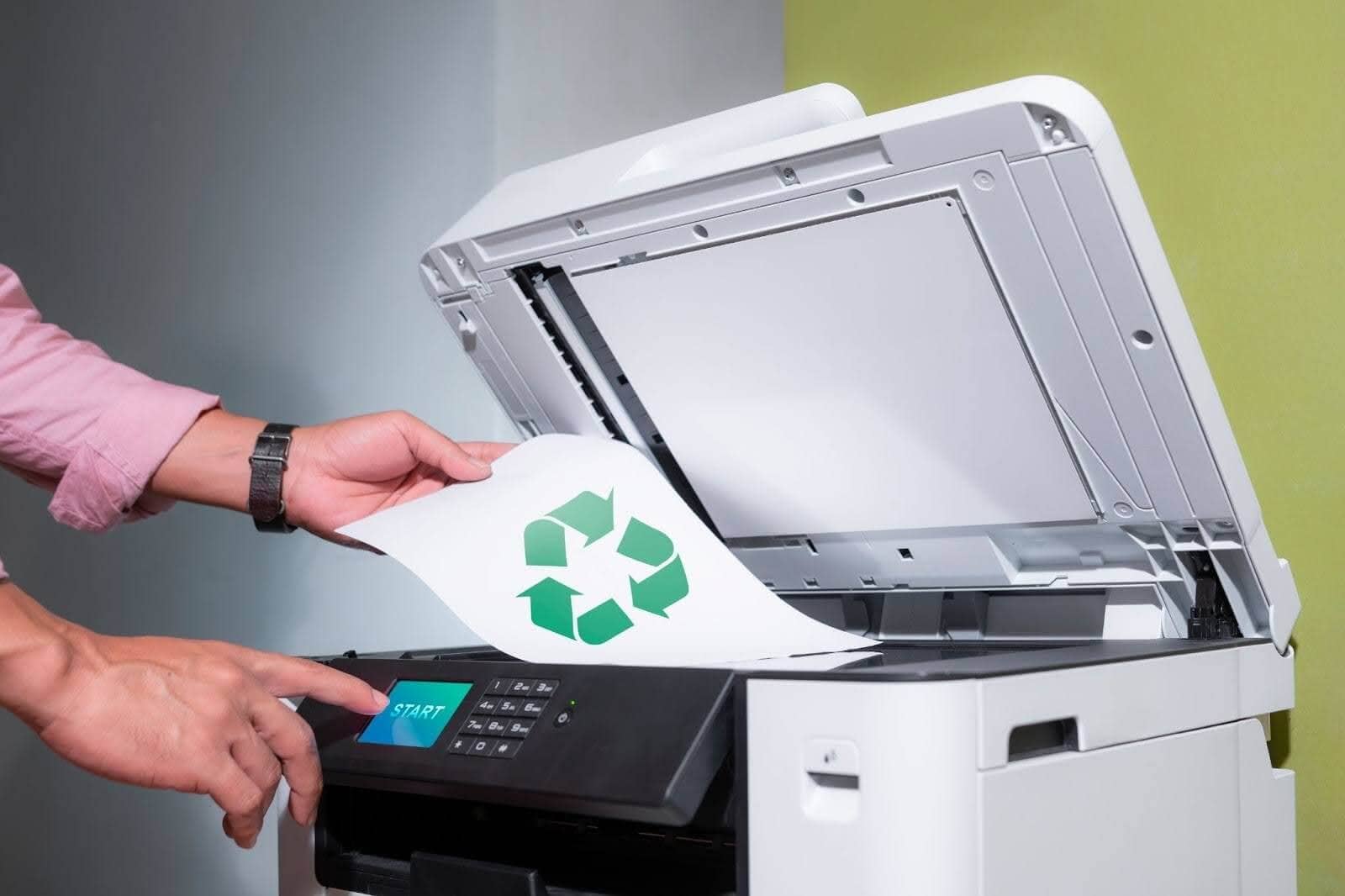
Zero Waste Printing Tips: For Document, Photo & Sublimation Print Jobs
Paper printing is part of everyday life, whether you're producing office documents, high-quality photos, or custom sublimation products. But with rising supply costs and growing environmental awareness, reducing printing waste is no longer optional; it's smart business.
You don’t need to forsake printing outright in order to work from home or at the office more sustainably. By adopting some simple new habits and making smarter choices, you can save money and save the planet, all while printing green, so to speak.
In this guide, we’ll explore practical zero waste printing tips for document, photo, and sublimation printing jobs, helping Australian homes and businesses lower costs, reduce environmental impact, and get more value from every cartridge.
What Is Zero Waste Printing?
You don’t have to eliminate printing altogether to minimise waste; you just have to print smarter! Zero waste printing focuses on minimising paper, ink, toner, and energy waste throughout the printing process.
This process also includes:
Reducing unnecessary prints
Maximising ink and toner efficiency
Choosing sustainable cartridge options
Preventing misprints and reprints
For both home printers and commercial operators, small changes can significantly reduce waste over time.
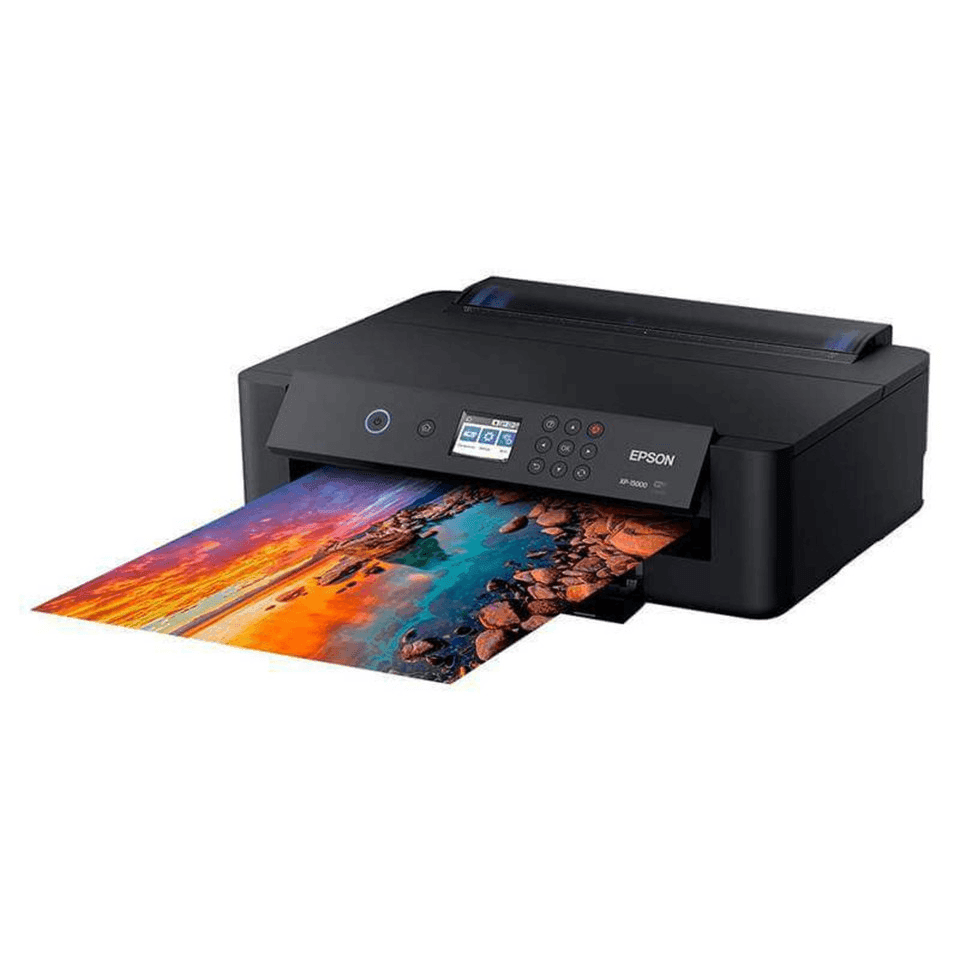
Zero Waste Tips for Photo Printing
Photo printing requires precision, and mistakes can be costly. Specialty ink and premium photo paper can add up quickly!
To avoid wasting expensive products and the headaches that come with it, here are some simple zero waste tips for photo printing.
Calibrate Before You Print
Incorrect colour settings are one of the biggest causes of photo reprints. You can save yourself time and products by making sure that…
Your monitor is calibrated
You use the correct ICC colour profile
The printer paper setting matches the media loaded
Pro tip: A quick test strip print can prevent a full-page waste!
Print Contact Sheets First
Instead of printing multiple full-size images to compare colours or exposure, print a small contact sheet first. This allows you to make adjustments before committing to large-format prints.
Store Photo Paper Properly
Humidity and improper storage can warp photo paper, leading to misfeeds and print defects. Keep your photo paper sealed when not in use, and store it flat in a dry environment to avoid waste.
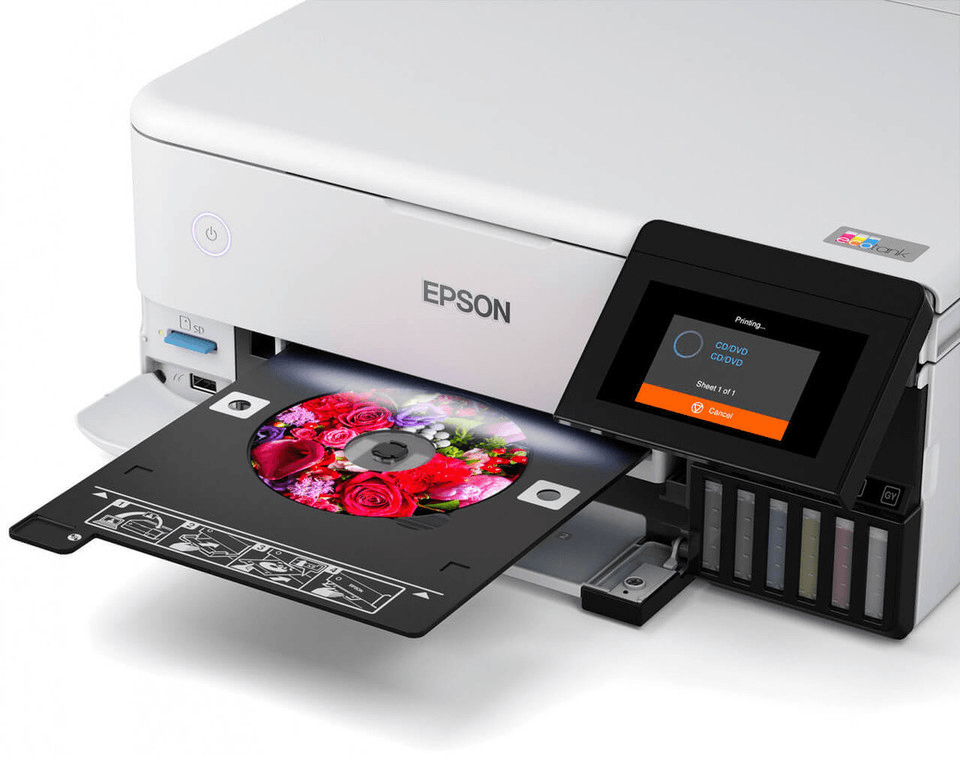
Zero Waste Tips for Sublimation Printing
Sublimation printing is ideal for printing designs on apparel, promotional products, and custom merchandise. But sublimation requires precision and planning, and errors can waste time and resources, such as transfer paper and sublimation ink.
To keep your projects running smoothly and get the most out of your sublimation prints, follow these easy zero waste sublimation print tips.
Mirror and Size Designs Correctly
One of the most common sublimation mistakes is forgetting to mirror your artwork before printing. Always double-check your piece’s orientation and dimensions before committing to transfer paper and hitting PRINT.
Use Test Transfers on Scrap Material
Before making large prints, test your designs on some spare fabric or low-cost blanks. This ensures colour accuracy and proper heat settings, ensuring your end result is perfect the first time.
Optimise Print Layouts
Arrange multiple smaller designs on one transfer sheet to maximise paper usage. Efficient layout planning can help minimise leftover space and reduce paper wastage.
Monitor Ink Levels Carefully
Running out of sublimation ink mid-print can ruin an entire transfer. Monitor your ink levels and replace cartridges proactively to prevent incomplete prints.
Pro tip: Reduce printing waste by running regular printer maintenance cycles and alignment checks. Clogged printheads and misaligned cartridges are one of the leading causes of streaks, colour inconsistencies, and reprints. Keeping your printer calibrated ensures cleaner output, extends cartridge life, and prevents costly paper and ink wastage, especially for high-detail photo and sublimation jobs.
Printing Green, No Matter Your Machine
Zero waste printing means more than just reducing physical waste. You can print more sustainably by adopting additional practices that reduce your energy use and carbon footprint.
Here are some extra zero-waste printing tips for any home or office printer.
Reduce Energy Waste While Printing
Energy-efficient printing lowers both operating costs and environmental footprint, so be sure to select these settings when available. But unless your printer is unplugged, it is still consuming power even when idle.
To minimise printer energy waste, make sure to…
Enable sleep mode
Turn off printers outside business hours
Consolidate print jobs instead of printing throughout the day
Choose Recycled Paper & Ink Cartridges
Buying printer paper can be expensive, and wasting it is even worse, so try to use recycled paper instead. Every ton of recycled paper represents 17 trees still standing, 1,440 litres of oil not used, and 4,000 kilowatts of energy saved.
If you can commit to using recycled paper as often as possible, then that’s a huge sustainability win right there!
Opt for Eco-Friendly Ink Cartridges
Similarly, opting to print with recycled or third-party compatible ink cartridges can be helpful for the environment as well. There are plenty of options on the market now, and they all avoid volatile organic compounds and hazardous air pollutants, making them better for you, your team, and the environment.
Look for soy-based, vegetable-based, water-based or recycled ink cartridges where available!
Pro tip: Track your monthly ink and paper usage over 30 days to see where you could reduce waste the most. Most printers have built-in usage reports that identify peak-waste points, such as frequent reprints or high-colour internal documents. Keeping track of these stats will allow you to adjust workflows and cut unnecessary consumption immediately.
Print Smarter with Cartridges Direct
Zero waste printing is easily achievable when you commit to consistency. Making the most of your supplies and implementing simple habits, such as checking print previews, using duplex defaults, and recycling cartridges, creates a lasting impact.
Whether you're printing everyday documents, professional photos, or custom sublimation products, choosing the right ink and toner makes a difference.
At CartridgesDirect, we help Australians reduce waste while maintaining print quality with a wide range of genuine, compatible, and high-yield cartridges. Explore smarter cartridge solutions online today and start reducing waste, one print job at a time.