 Service Call
 Managed Print

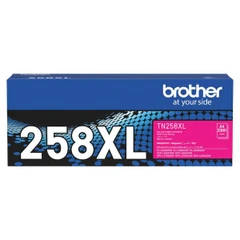
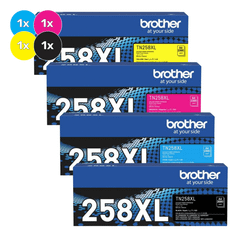
Brother TN258XL Mag Toner Cart
In Stock- ColourMagenta
- Page yield2,300 pages
- Cost per page
- Model codeTN-258XLM
Genuine and compatible toner cartridges for the Brother MFC-L8340CDW. This printer uses Brother TN-259 and TN-258XL toner, in black, cyan, magenta and yellow. Every cartridge on this page fits the Brother MFC-L8340CDW, with fast Australia-wide delivery.
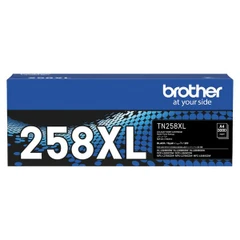
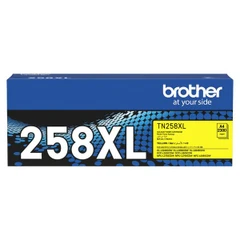
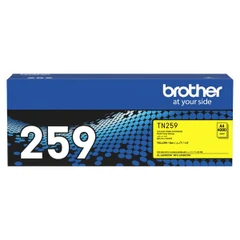
Uses: TN-259BK, TN-259C, TN-259M, TN-259Y, TN-258XLBK, TN-258XLC, TN-258XLM, TN-258XLY
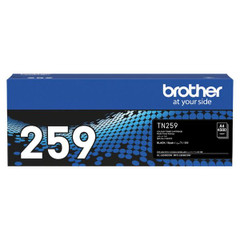
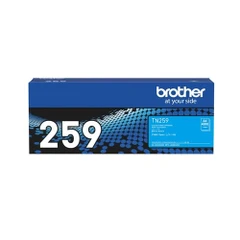
The Brother MFC-L8340CDW uses the Brother TN-259 and TN-258XL toner series. Standard yield: TN-259BK, TN-259C, TN-259M, TN-259Y. High yield: TN-258XLBK, TN-258XLC, TN-258XLM, TN-258XLY. It takes four cartridges, one of each colour.
Both fit the same way; the difference is page yield. Standard black prints about 4,500 pages and high yield black about 3,000 pages. Each standard colour prints about 4,000 pages and each high yield colour about 2,300 pages.
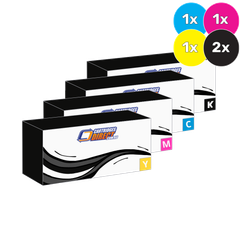
Yes. We sell compatible toner for the Brother MFC-L8340CDW as well as genuine Brother. Compatibles cost about a quarter of the genuine price and carry our guarantee. Genuine Brother cartridges are the safest choice if your printer is under a Brother warranty or service plan.
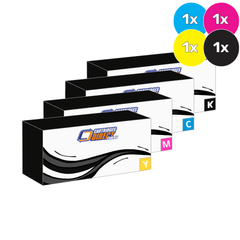
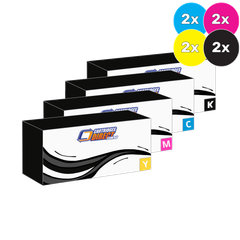
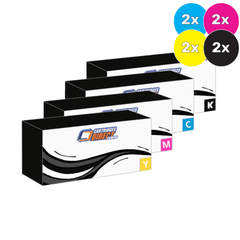
No. Each colour is a separate cartridge, so you only replace the one the printer reports as low. A value pack is worth it if several colours are running low at the same time.
The same cartridges also fit the Brother DCP-L3520CDW, Brother DCP-L3560CDW, Brother HL-L3220CDW, Brother HL-L3220CW, Brother HL-L3240CDW, Brother HL-L3280CDW, Brother HL-L8230CDW, Brother HL-L8240CDW, Brother MFC-L3720CDW, Brother MFC-L3755CDW, Brother MFC-L3760CDW and Brother MFC-L8390CDW.












| Black cartridge | Page yield | Price | Cost per page |
|---|
Cost per page = our current price ÷ manufacturer page yield (ISO/IEC 19798, 5% coverage). Compatible cartridges are rated at the same yield as genuine.